
How to use the playground
1
Open an endpoint page
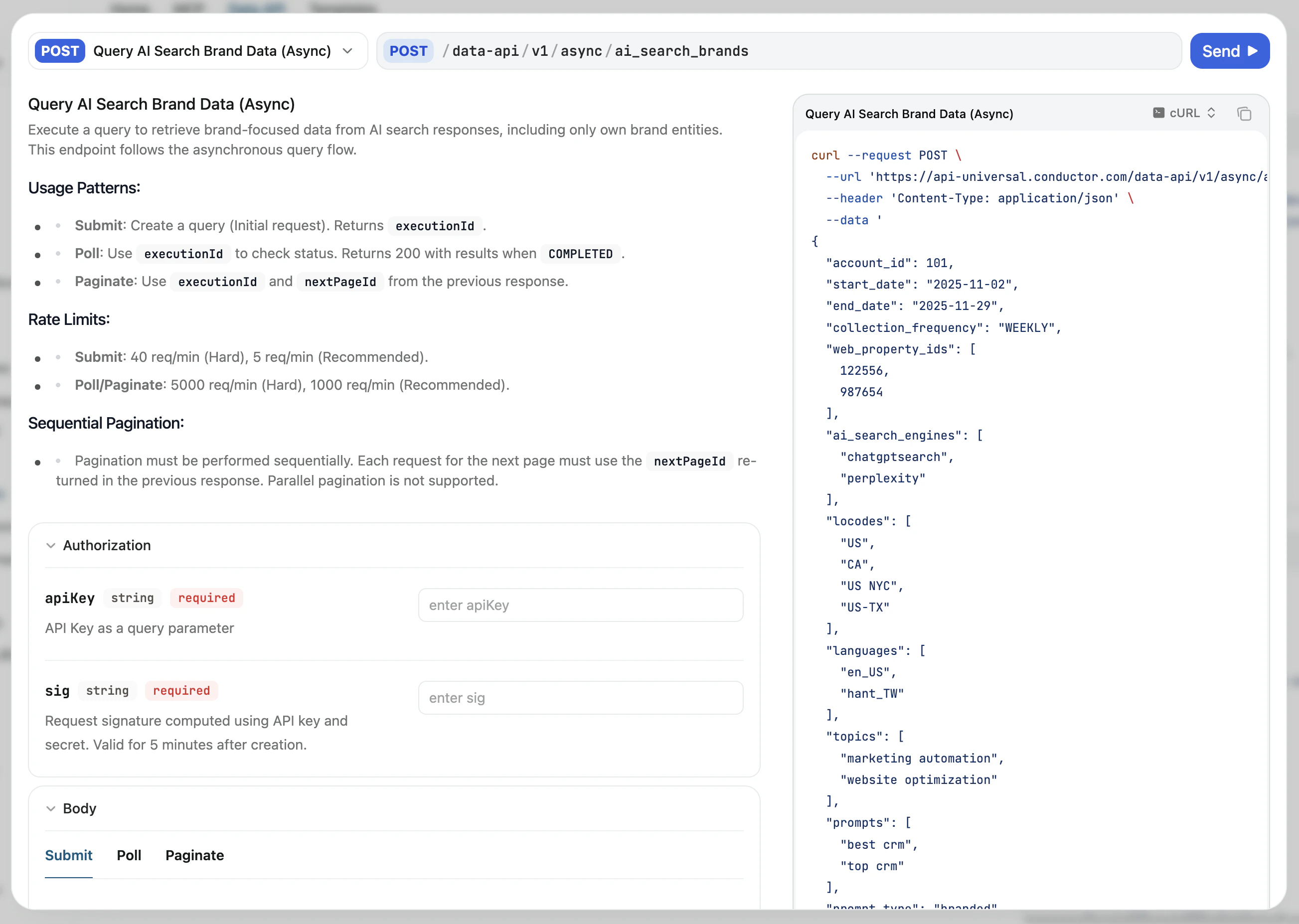
Navigate to any endpoint documented below. Each endpoint page has its own interactive request form.
2
Set authentication inputs
Add
apiKey and sig as query parameters. The sig must be re-generated every five minutes—see Authentication for how to compute it.3
Send a request
Provide the required body fields for the endpoint, then send the request and review the live response.
4
Validate the response shape
Confirm that the
schema and results match what your downstream system expects.Some API endpoints use an asynchronous execution model: an initial POST returns a
202 with an executionId, which you poll until you receive a 200 with executionState: "COMPLETED". See Asynchronous queries for the full flow.This workflow is ideal for developer handoff: Conductor users can validate inputs in the UI, and engineers can then productionize the exact request and response contract. If you are a non-developer, learn more in the API for Non-Developers article.
Where to go next
- Configuration API playground: account configuration and metadata
- Data API playground: reporting for analysis
- Content API playground: draft creation, insight generation, and more