Need an extra hand with your digital marketing goals? Conductor’s Marketplace connects you directly with our expert analyst team for high-quality, technology- and human-powered deliverables—all in the Conductor platform.
Why use the Marketplace?
Expert Support: Access Conductor’s dedicated team for specialized tasks. Fast Results: Reports are typically delivered in 5 business days. Seamless Workflow: Request services and track progress effortlessly, right in the Conductor platform.What can you get?
Explore a curated menu of services designed to help you.Research Services
- Keyword Research For A Topic
- Content Creation Brief
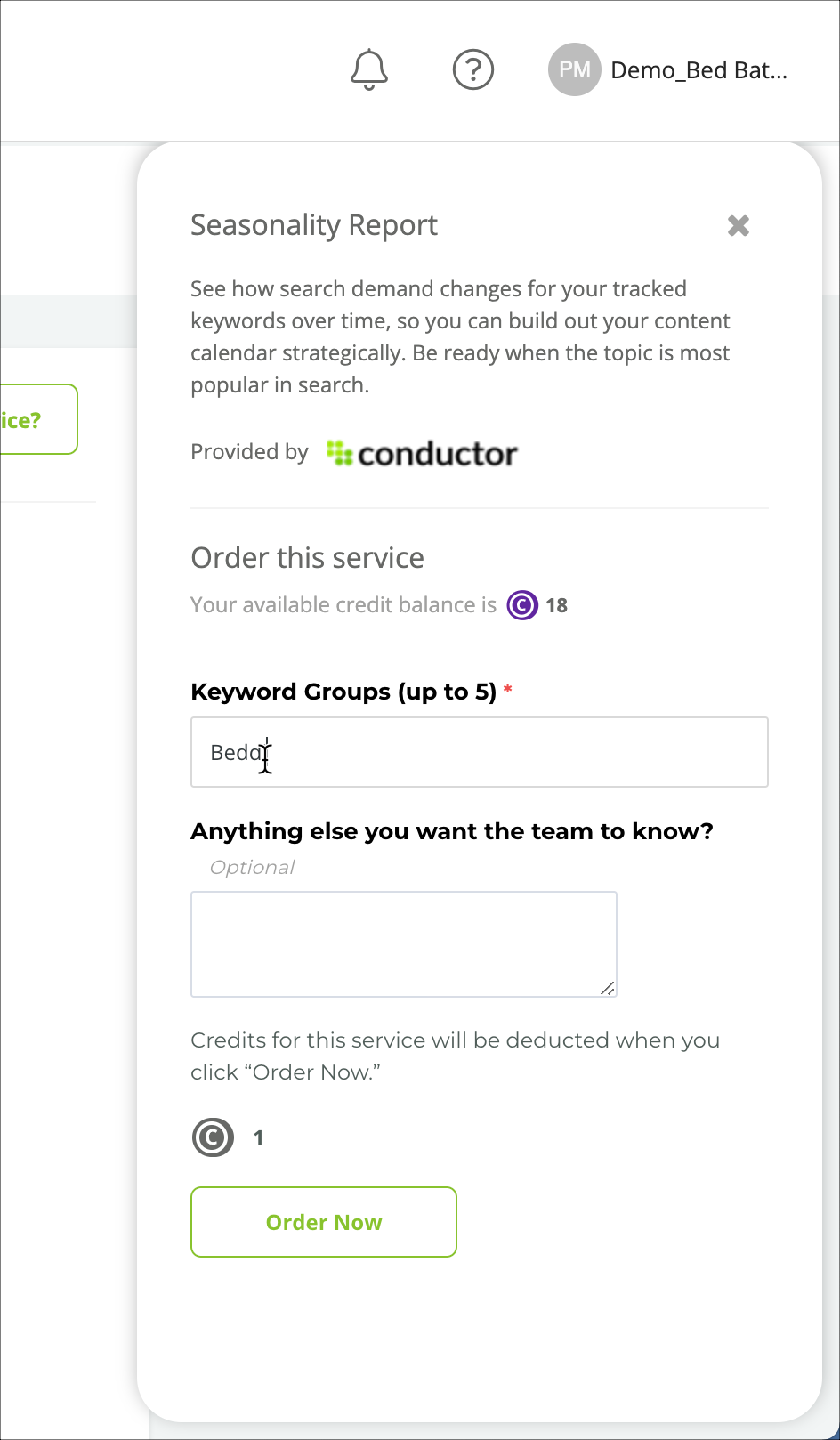
- Seasonality Report
- Competitive Gap Analysis: Foundational, Expanded or Comprehensive
Performance Services
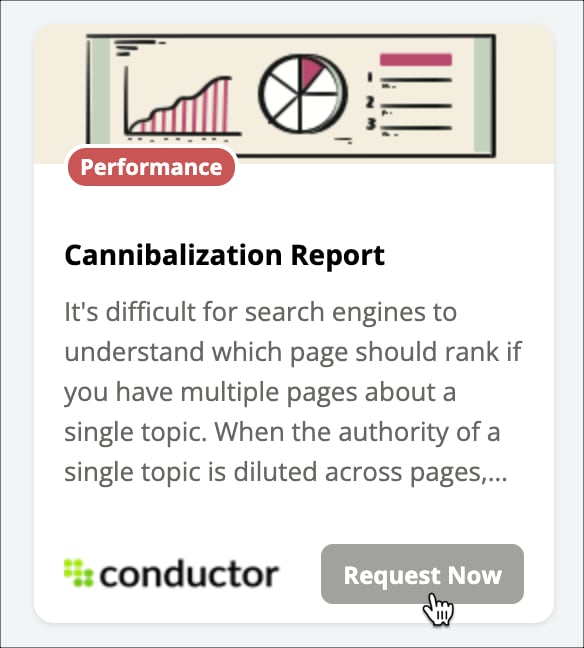
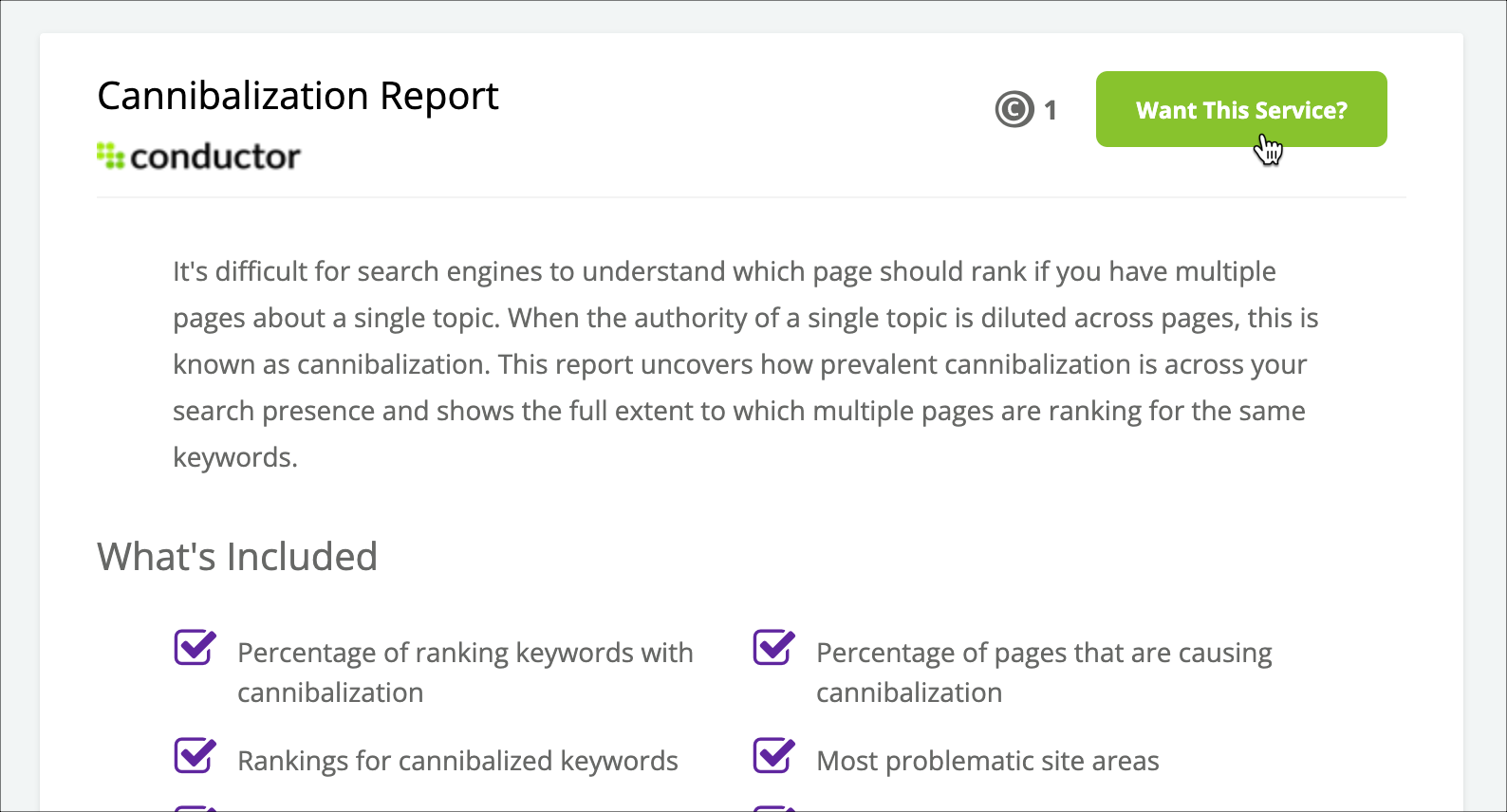
- Cannibalization Report
- Organic Performance Report
- Content Audit
SEO Services
- Page Optimization Brief
- Backlink and Internal Link Overview
- Second Opinion
- Competitive Backlink Gap Report
Account Configuration Services
- Keyword Cleanup Report
Monitoring Services
- Primary Metadata Issues Report
- Internal Linking Issues Report
- Redirect Chains and Loops Check
Availability Details
Availability of the Marketplace depends on your organization’s Conductor account and subscription. If you’re not sure whether you have access to the Marketplace, contact Conductor Customer Support. Click Marketplace in the navigation.Marketplace Credits
Your account’s credit balance is always visible at the top of Marketplace. Need more? Just click Get More Credits or contact your AM or CSM.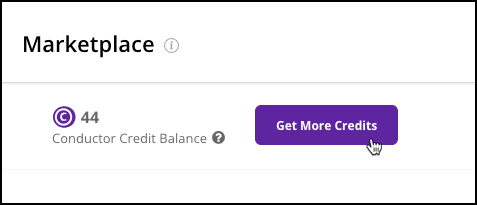
Submitting a Request for a Service
Submit a request in just a click. Determine the service you want. You can search to help refine your choices down to the kind of service you’re looking for.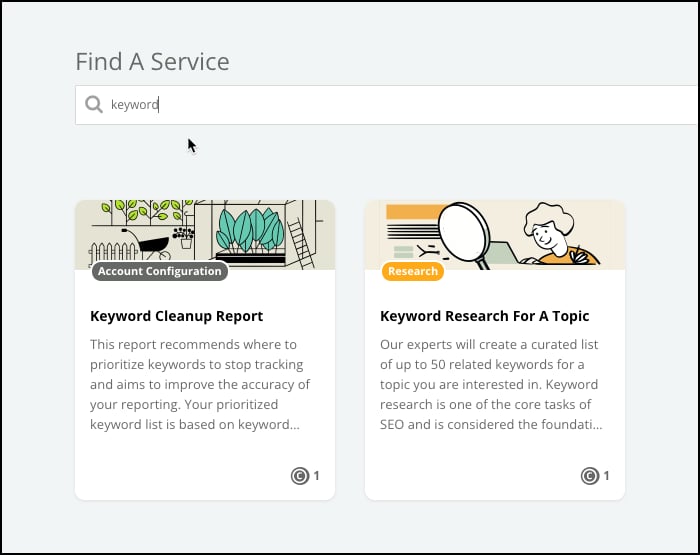
View Your Marketplace Requests
You can monitor and review your Marketplace requests in the Actions activity.Review a Marketplace Request
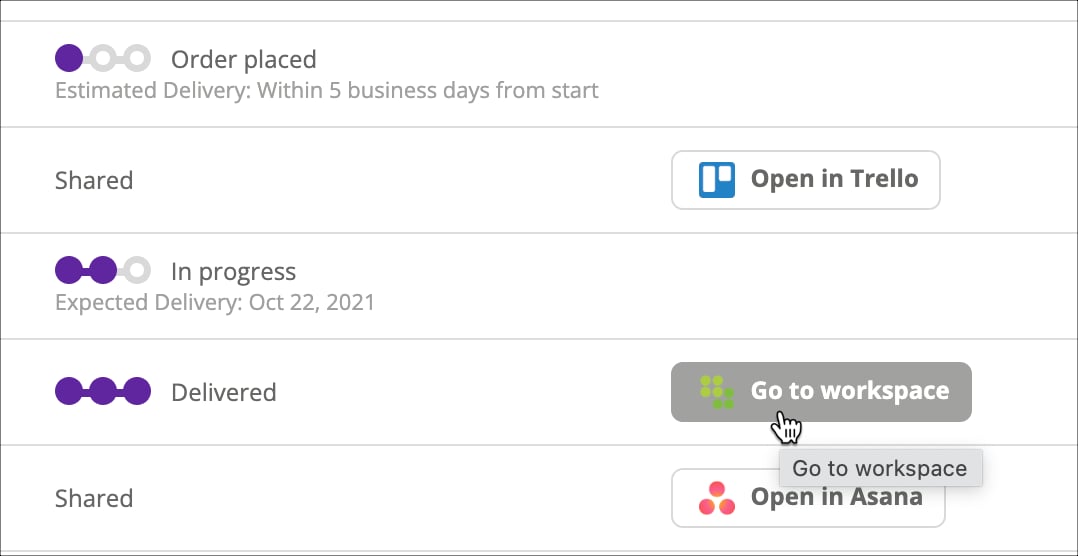
In the table, you can see:- The Status of each Marketplace request.
- The workspace in which a Marketplace request was published.
- The user or organization that last updated the Marketplace request and the date of the most recent update.
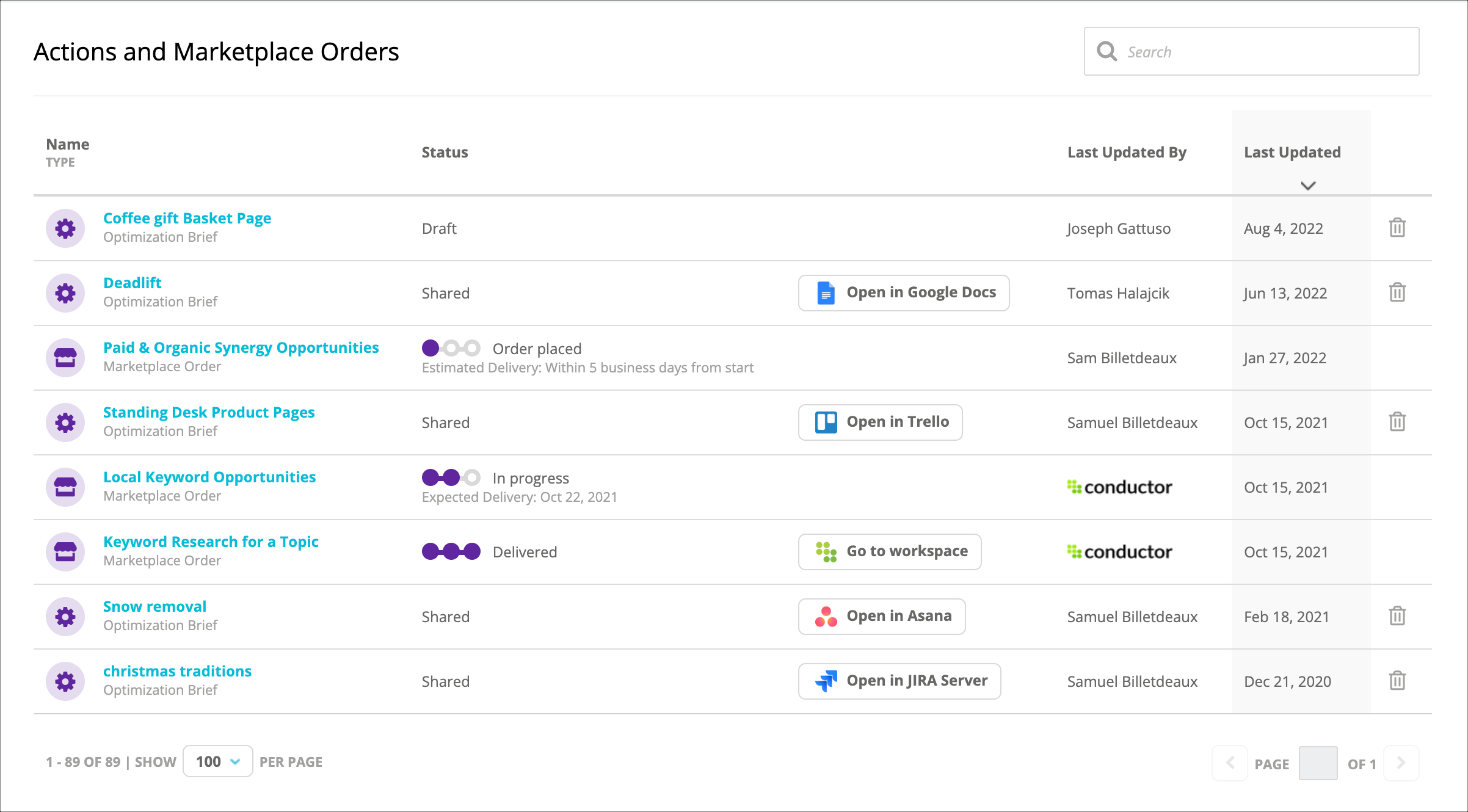
- View details about the Marketplace request.
- Jump to a completed Marketplace request.
Jump to a Completed Marketplace Request
You can follow up on a completed Marketplace request by jumping to the workspace where it was published. Just click Go to workspace in the table or the panel.